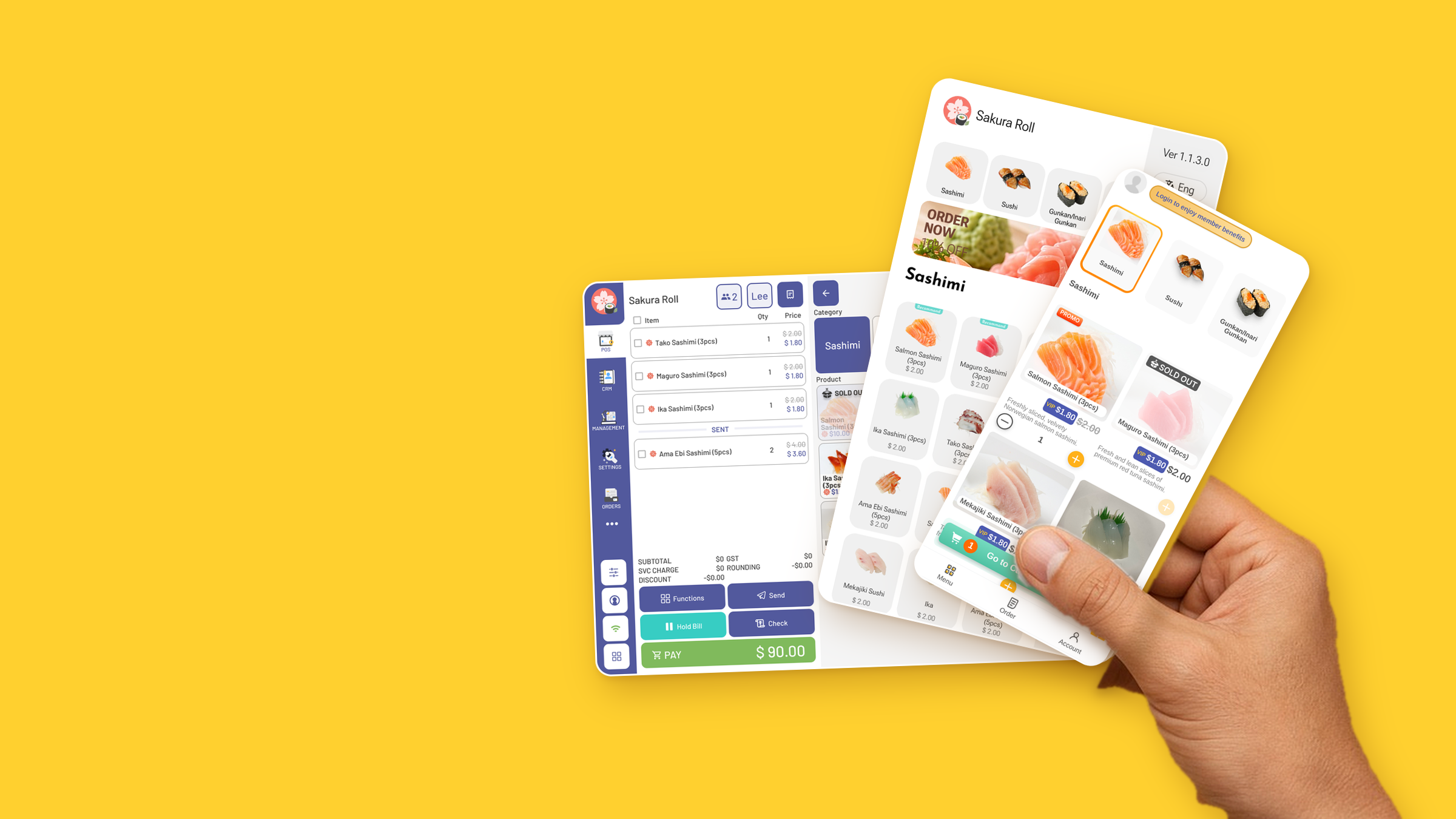
Know every regular.
One member list across POS, kiosk and QR ordering — with tiers, points, credit and coupons.
Shown: Sakura Roll (iSushi demo)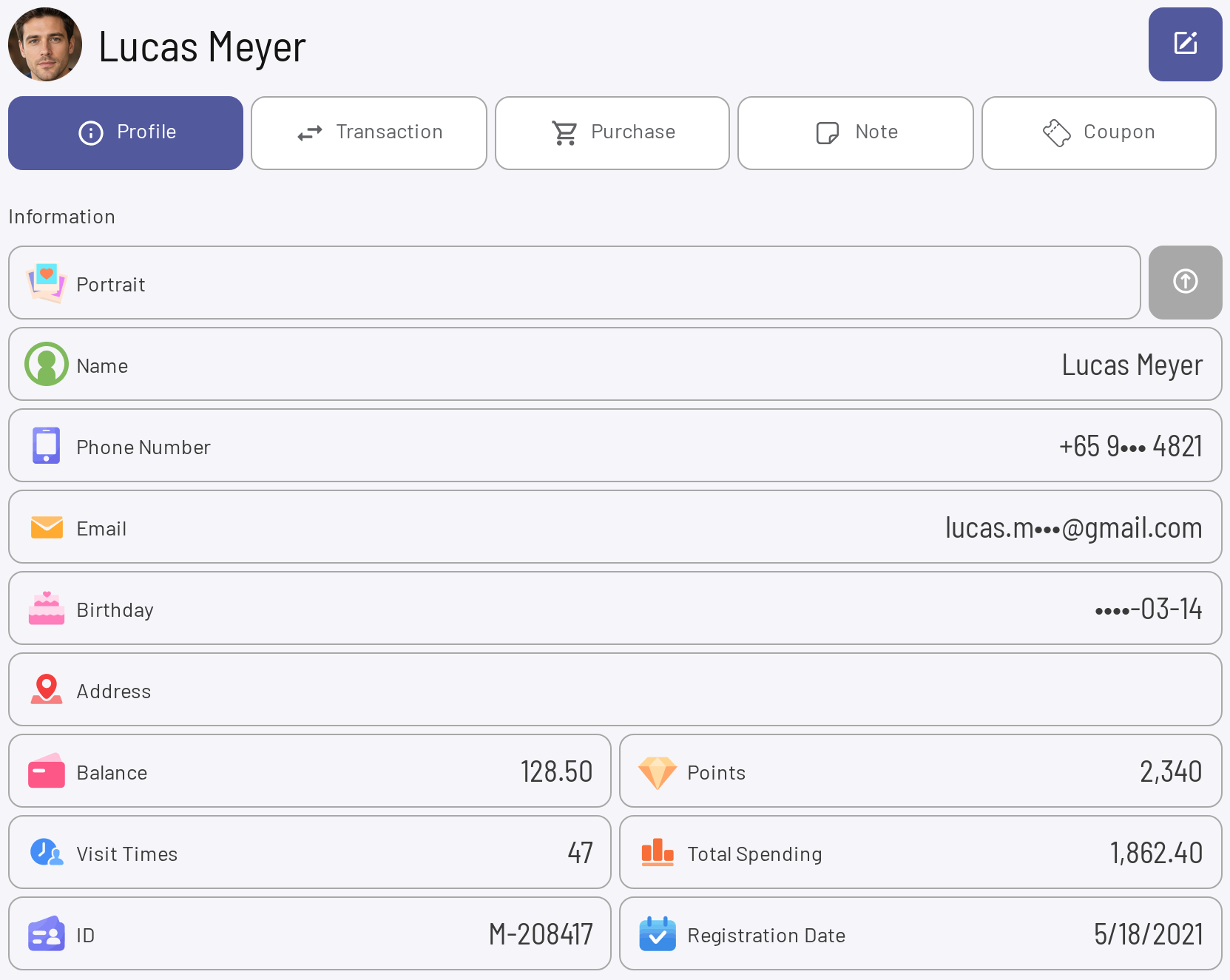
Members, made simple.
Member at the counter
Add the member to the bill in one tap.
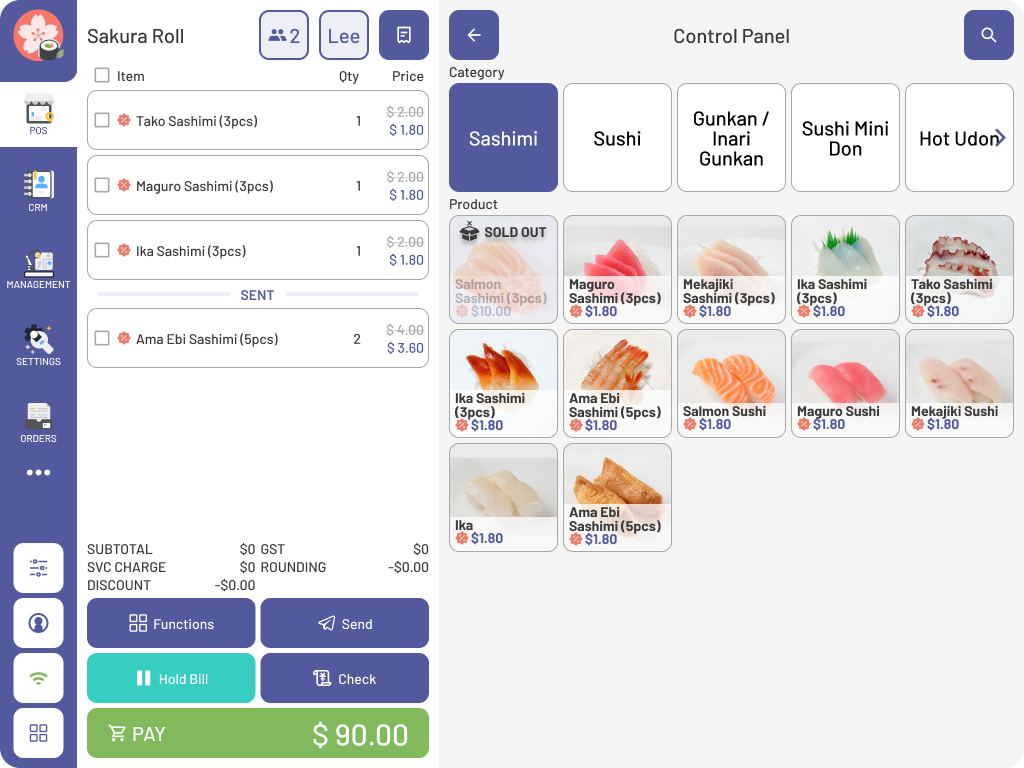
Member prices on the bill
Their price applies line by line.
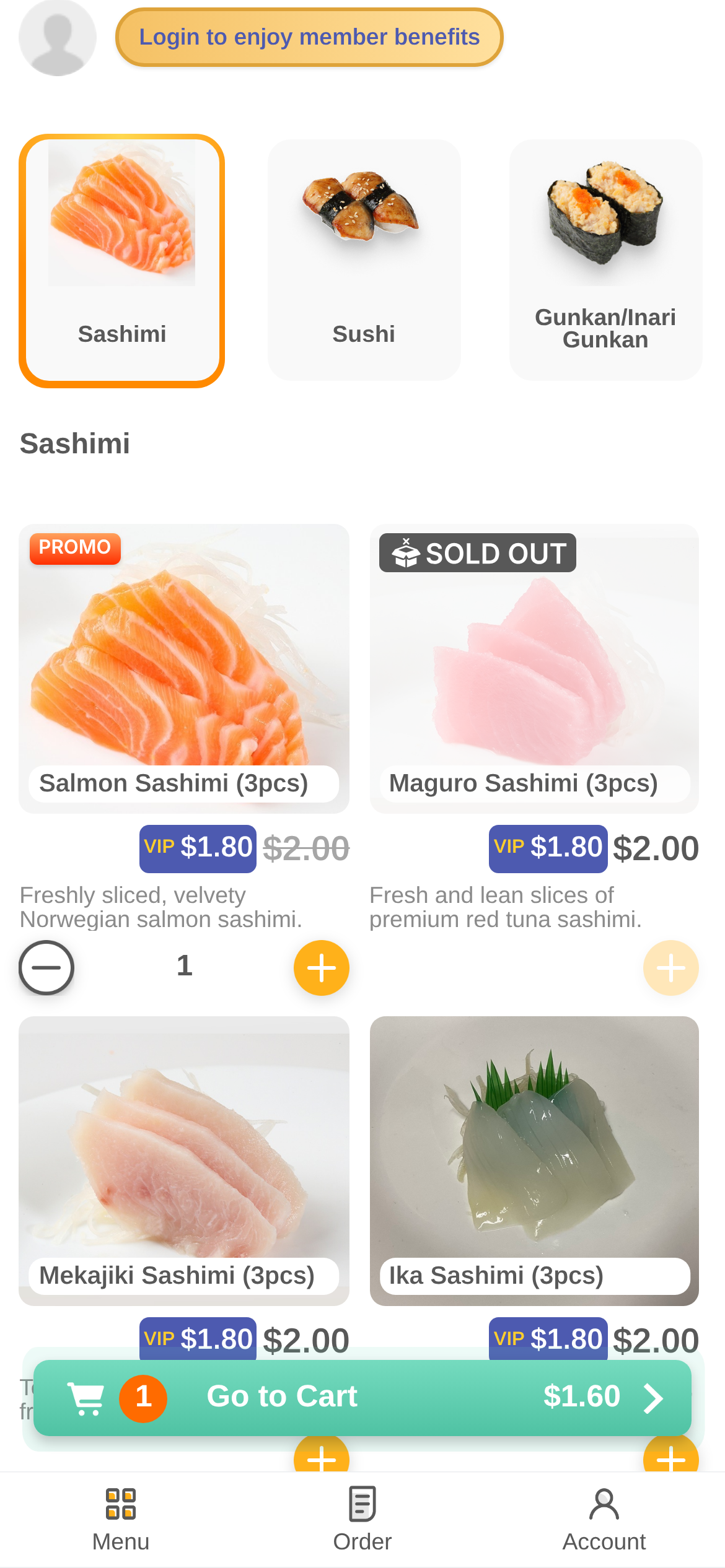
VIP prices on the phone
The same member price in WYO 5.0.
Invite guests to join
A login prompt right on the menu.
Four steps, start to finish.
- 01
Guests join
From the menu on their phone, or at the counter.
- 02
Every order links
POS, kiosk and WYO 5.0 orders land on one profile.
- 03
Rewards apply
Member prices, points, credit and coupons at checkout.
- 04
Bring them back
Campaigns by SMS, Email or WhatsApp.
One menu. Every screen.
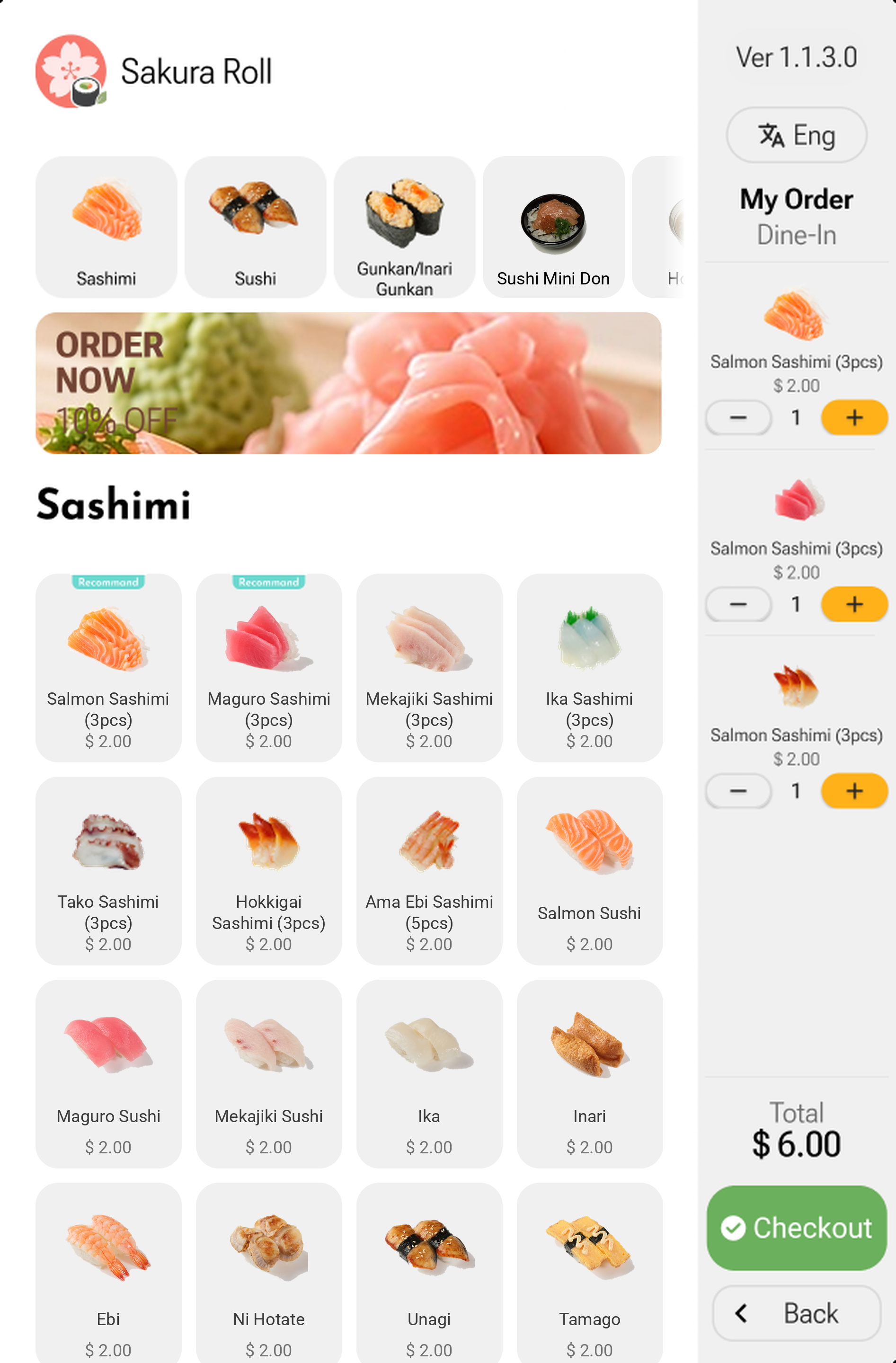
The Sakura Roll (iSushi demo) menu runs on the counter, the kiosk and the guest's phone — same categories, same dishes.
Connects with the XPOS ecosystem.
One menu, one member list, one set of orders — shared across every product.
Questions.
Where does member data come from?
Every order on POS, kiosk and WYO 5.0 links to the member profile.
Do member prices apply everywhere?
Yes. They show on the POS bill and as VIP prices in WYO 5.0.
Which coupons can I issue?
Cash, discount, item, member cash and gift vouchers. They land in the guest's app and apply at checkout.
How do campaigns reach guests?
By SMS, Email or WhatsApp.
See it work. Try XPOS now.
Tap through the POS, the kiosk and QR ordering right in your browser. No sign-up.
Try it nowFree live demo · No credit card